

Run a community wall for your clients
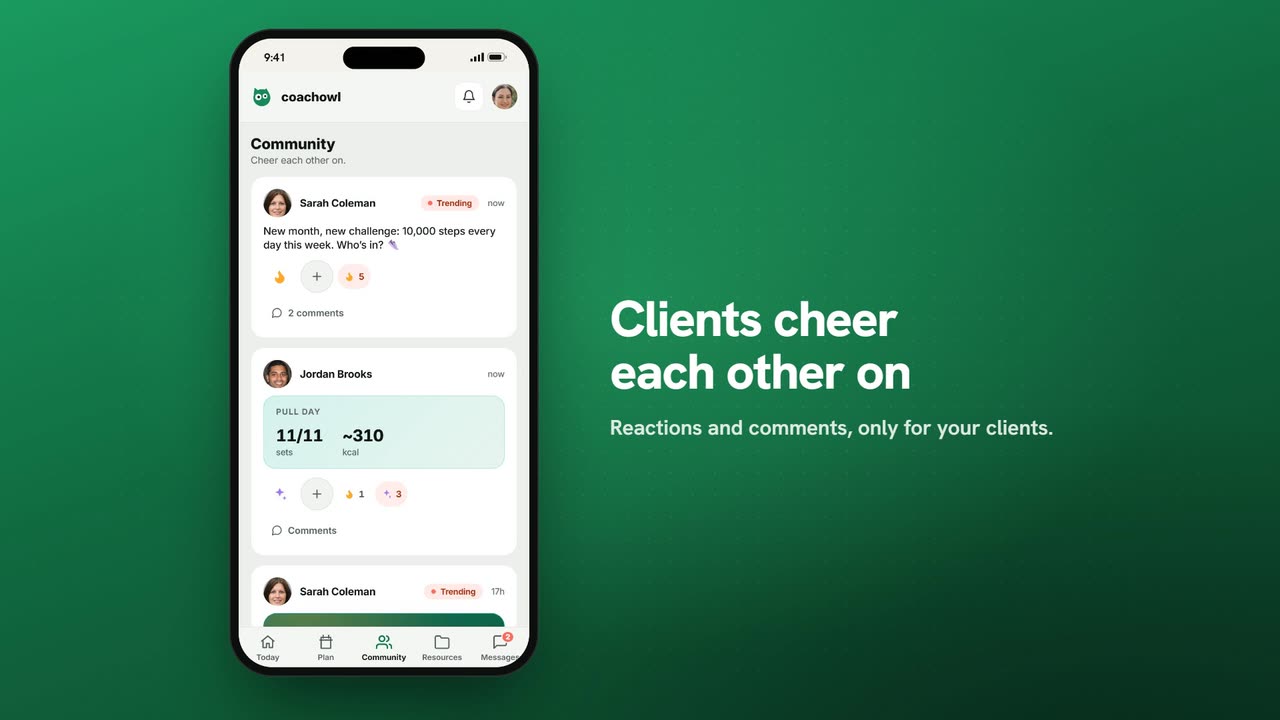
Sample data. The coach and clients shown are fictional.
Who can use it
- Available on Pro and above (and during your 7-day free trial).
- Your 7-day free trial includes every feature, for up to 3 clients.
- The Free plan covers up to 3 clients. Pro, Max and Ultra add the premium features and raise the client limit. Compare plans.
Your community is a private wall for you and your clients: updates from you, wins from them, and reactions all round.
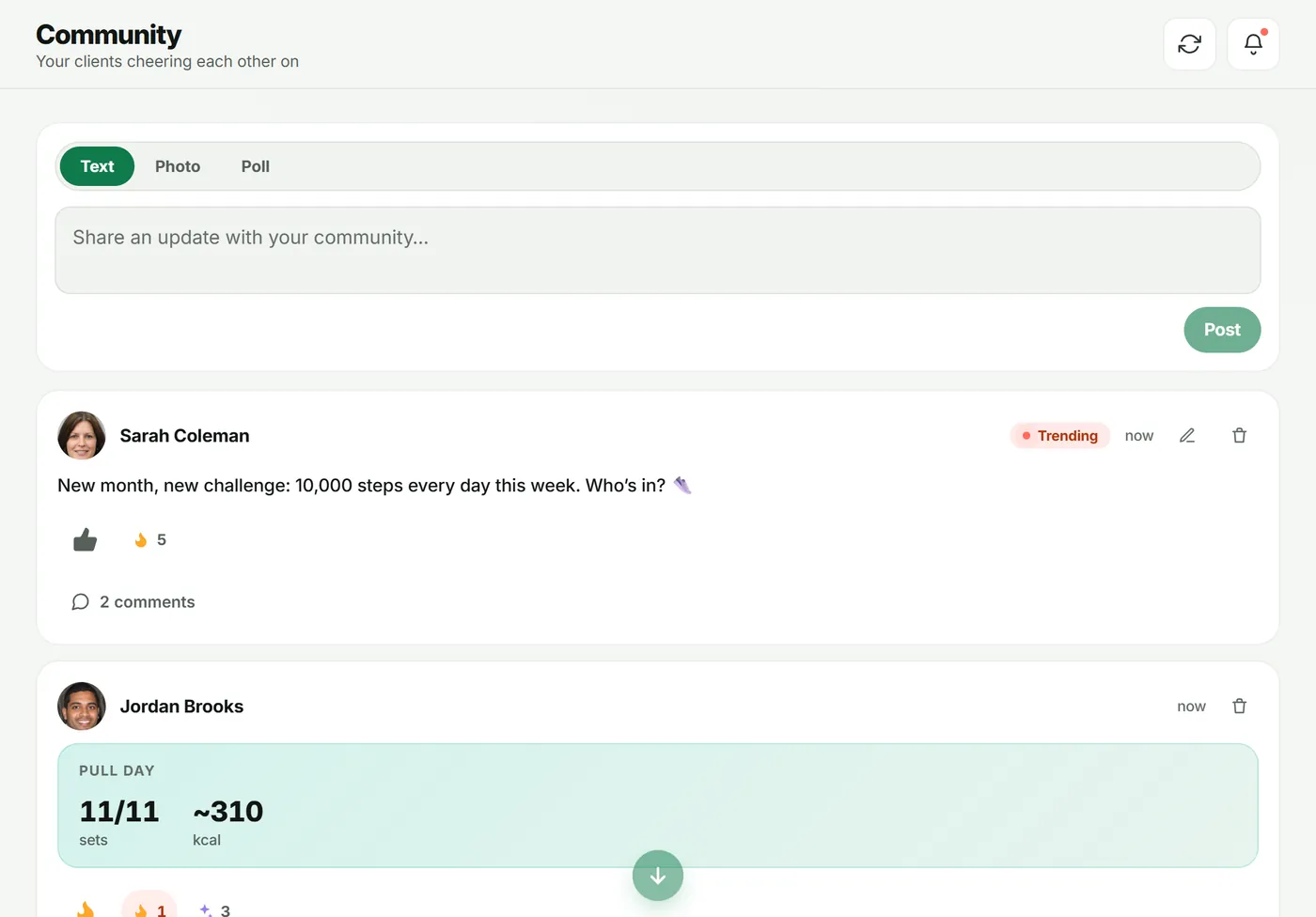
1. Post an update
- Open Community in the sidebar.
- Choose Text, Photo or Poll at the top.
- Write in Share an update with your community… and tap Post.
2. Run a poll
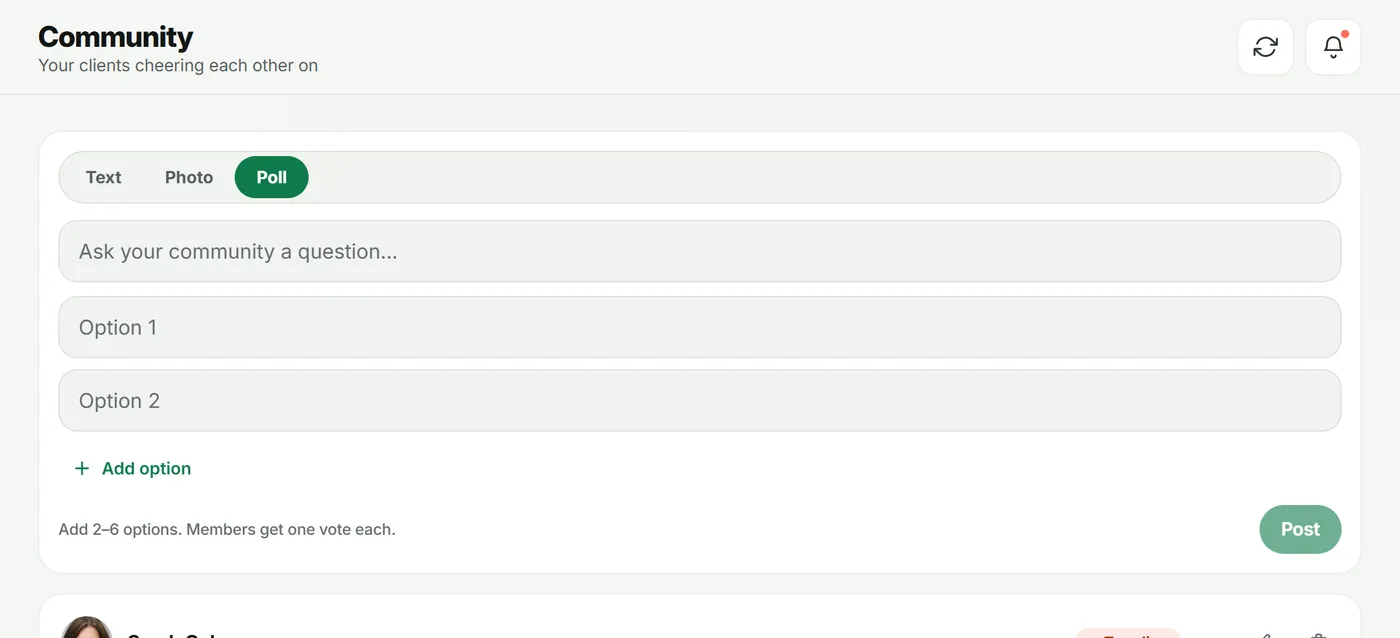
- Choose Poll.
- Type the question in Ask your community a question….
- Fill in Option 1, Option 2, and Add option for more (2–6 options).
- Tap Post. Results show in the feed as members vote.
3. Celebrate wins
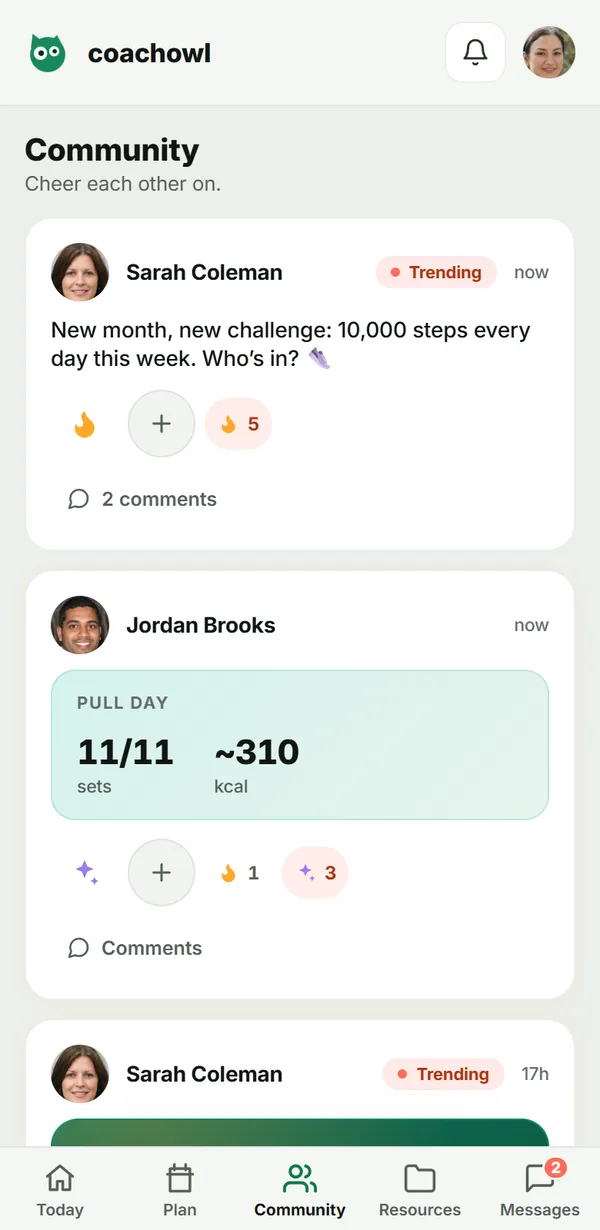
When a client finishes a workout they can share it to the wall, and their sets and effort show as a card. Milestones such as streaks appear too — open Celebrations to send kudos.
What your client sees
Clients have a Community tab. They can share their win, react and comment on posts.
Troubleshooting
- Clients don’t see the Community tab. Community is on Pro and above, and it follows your plan.
- I want to remove a post. Tap the bin icon on the post. As the coach you can delete any post on your wall.
Frequently asked questions
Who can see my community?
Only you and your active clients. Each coach has their own wall.
Can clients post anything they like?
Clients share wins — for example a finished workout — and comment and react. You post updates, photos and polls, and you can delete any post.
How many options can a poll have?
Between 2 and 6. Each member gets one vote.
Try it in your own workspace
Start your free trial