Short videos and step-by-step guides.
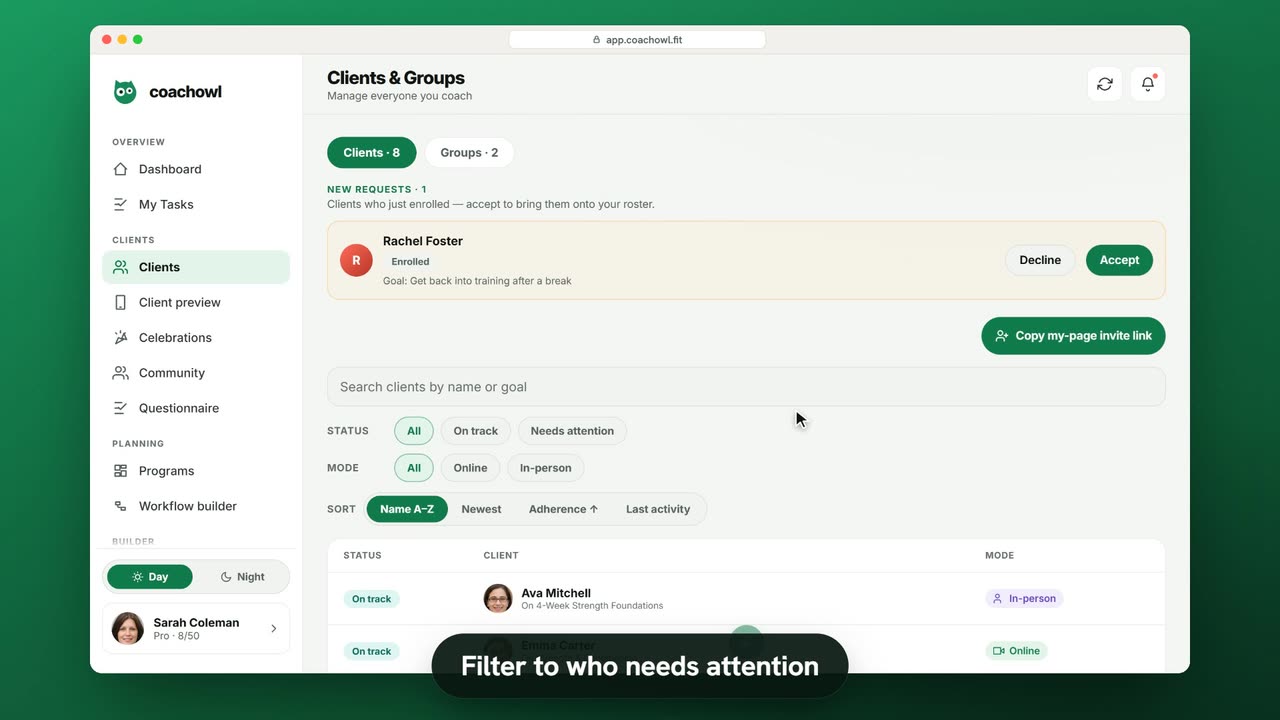
Bring clients onto your roster, accept and activate their requests, then find each one with search, status filters and the client hub.
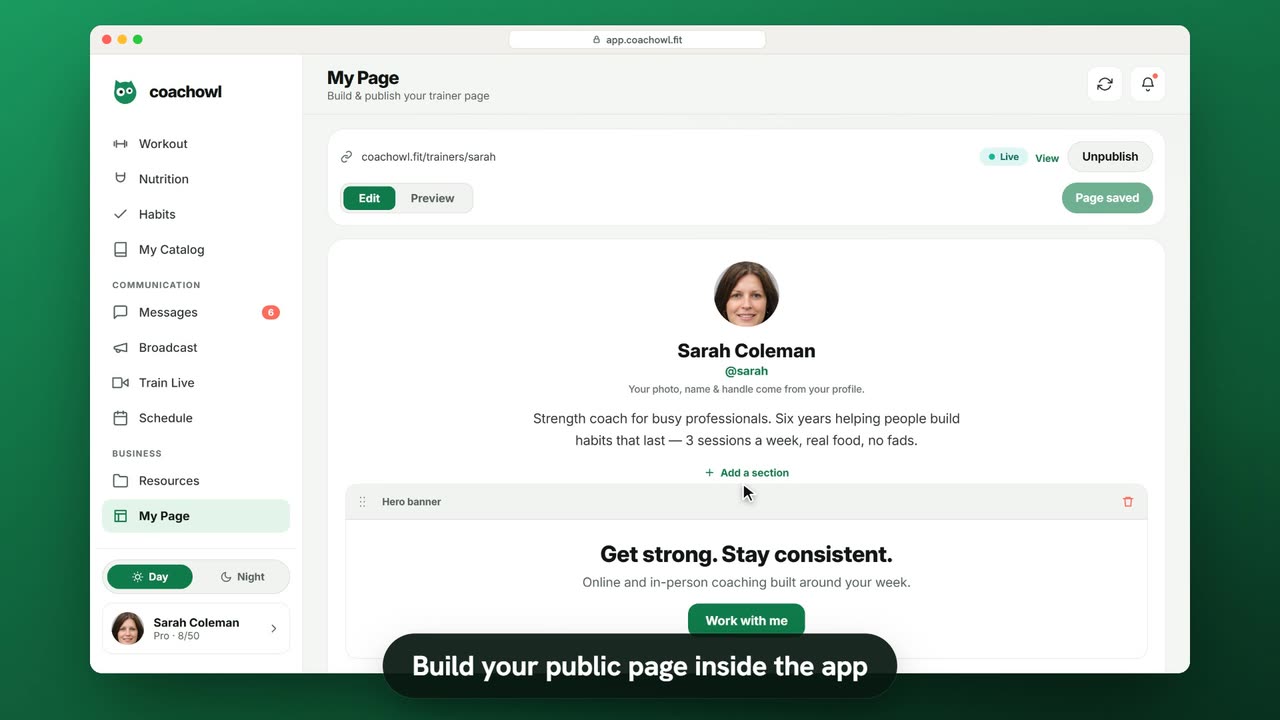
Build your page at coachowl.fit/trainers/your-handle inside the app, preview it, publish it, and let new clients sign up with Work with me.
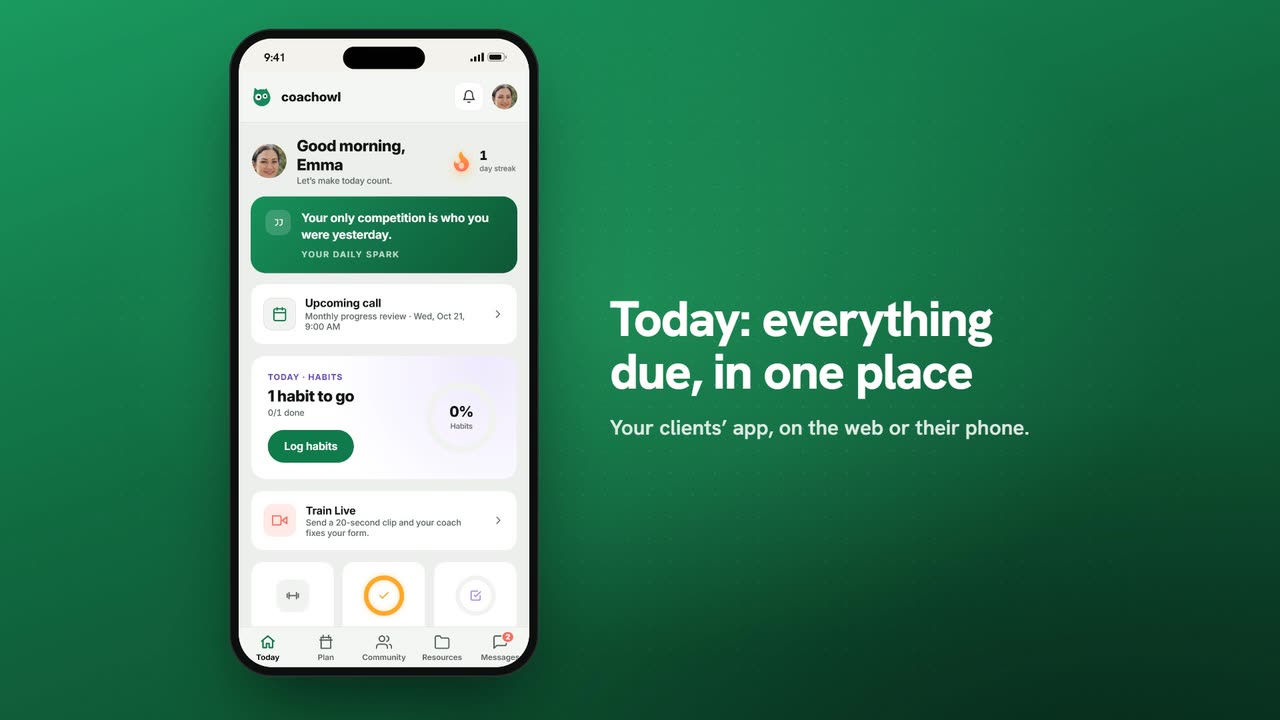
How clients join you, finish onboarding and use Today, Plan, Community, Resources and Messages — so you can talk them through it.
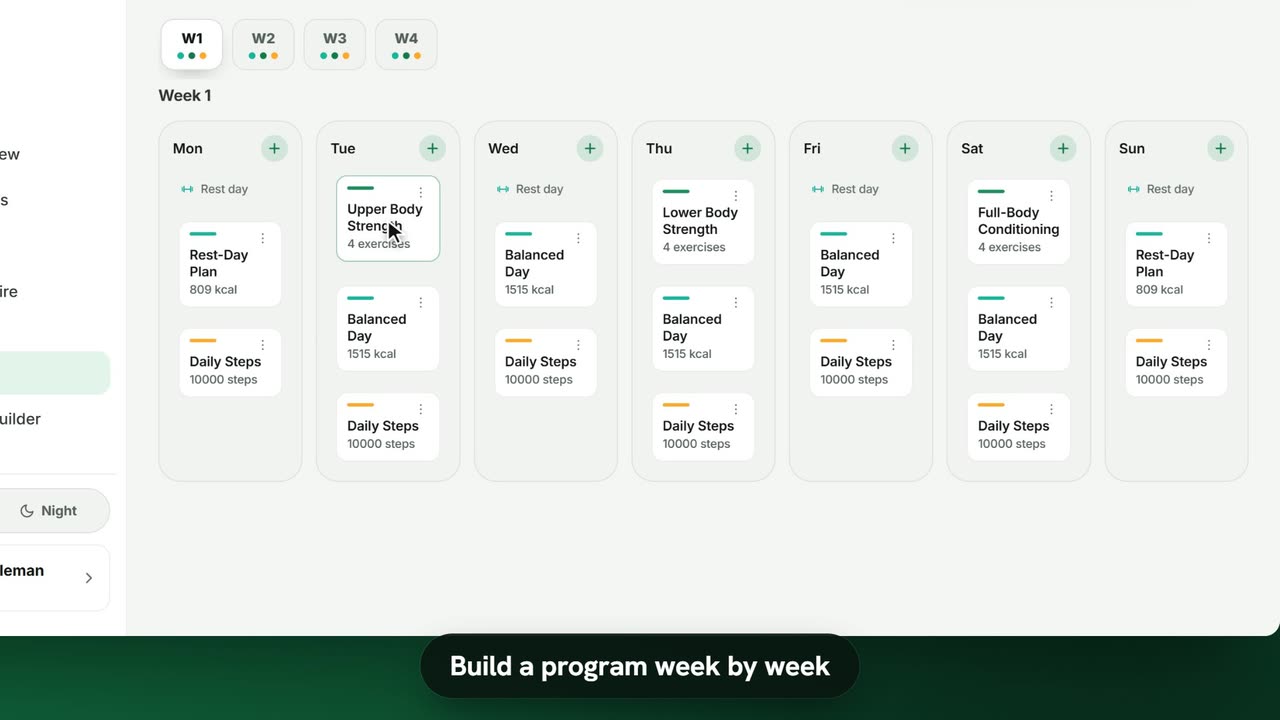
Create a multi-week program of workouts, meals and habits, copy weeks, and assign it to a client or a group with a start date.
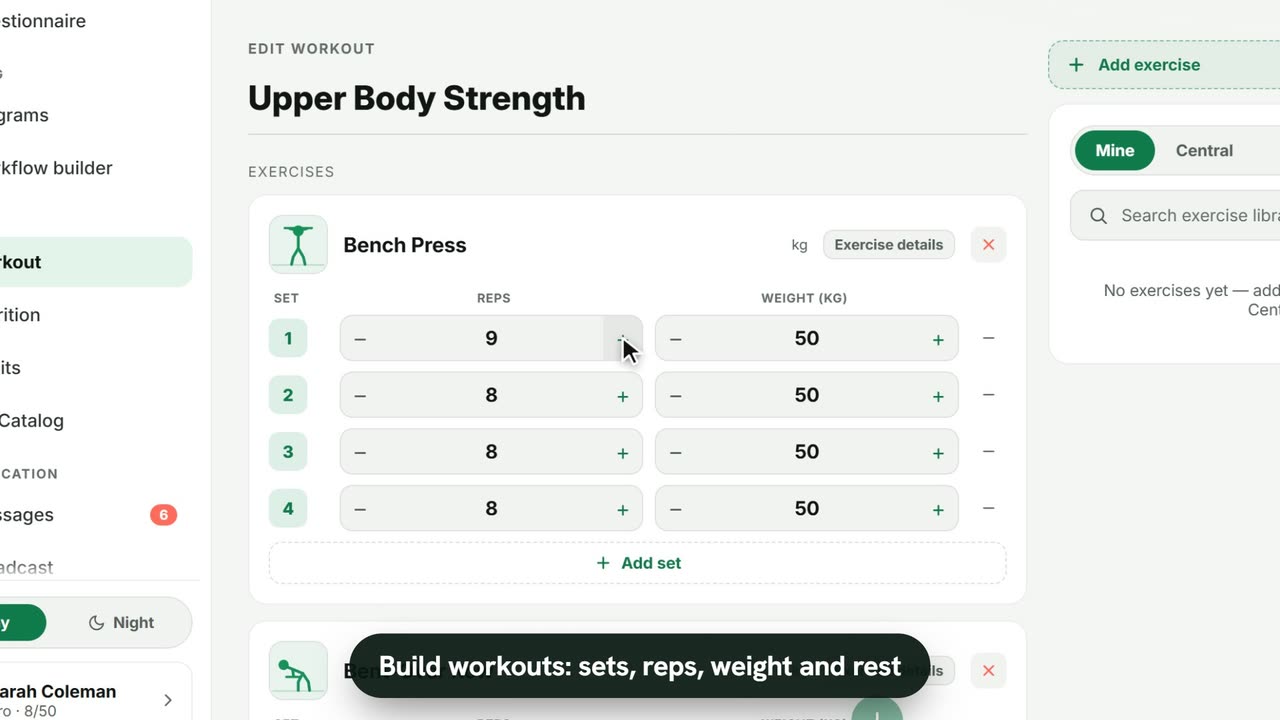
Build a workout from your exercise library with sets, reps, weight and rest, then see how clients log each set on their phone.
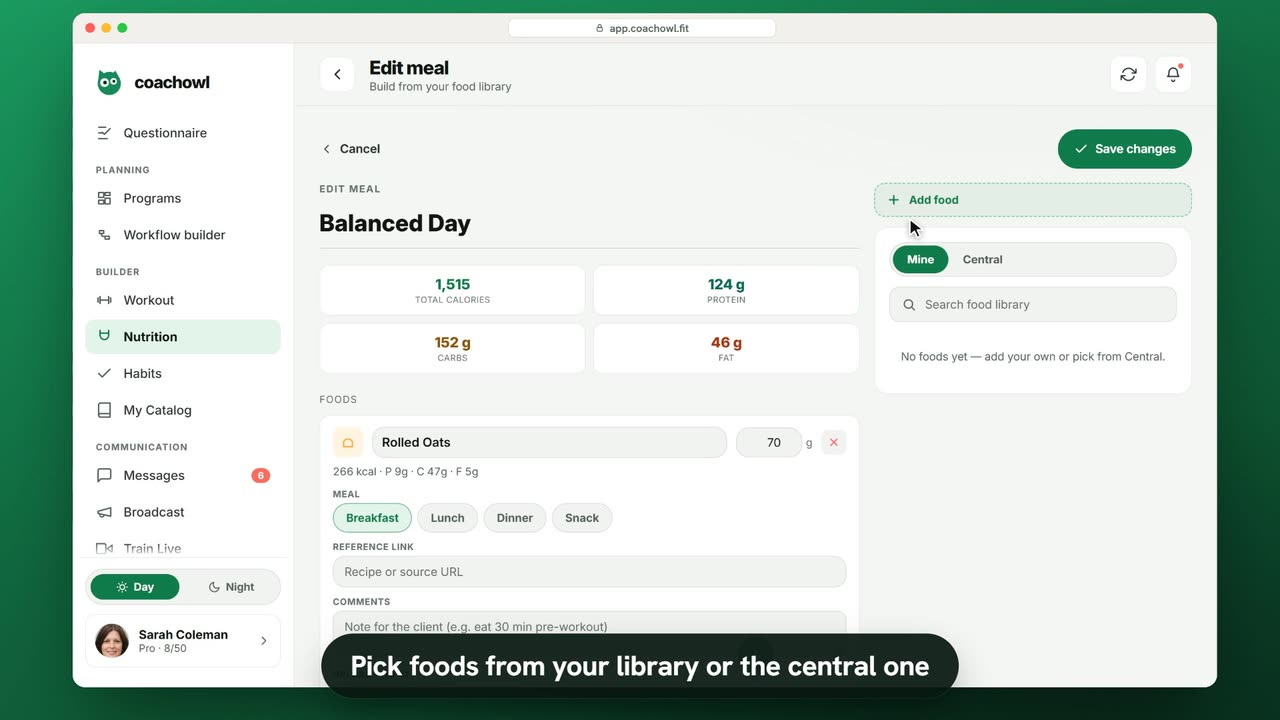
Create a day of meals from your food library, see calories and macros total up as you go, and let clients tick off what they eat.
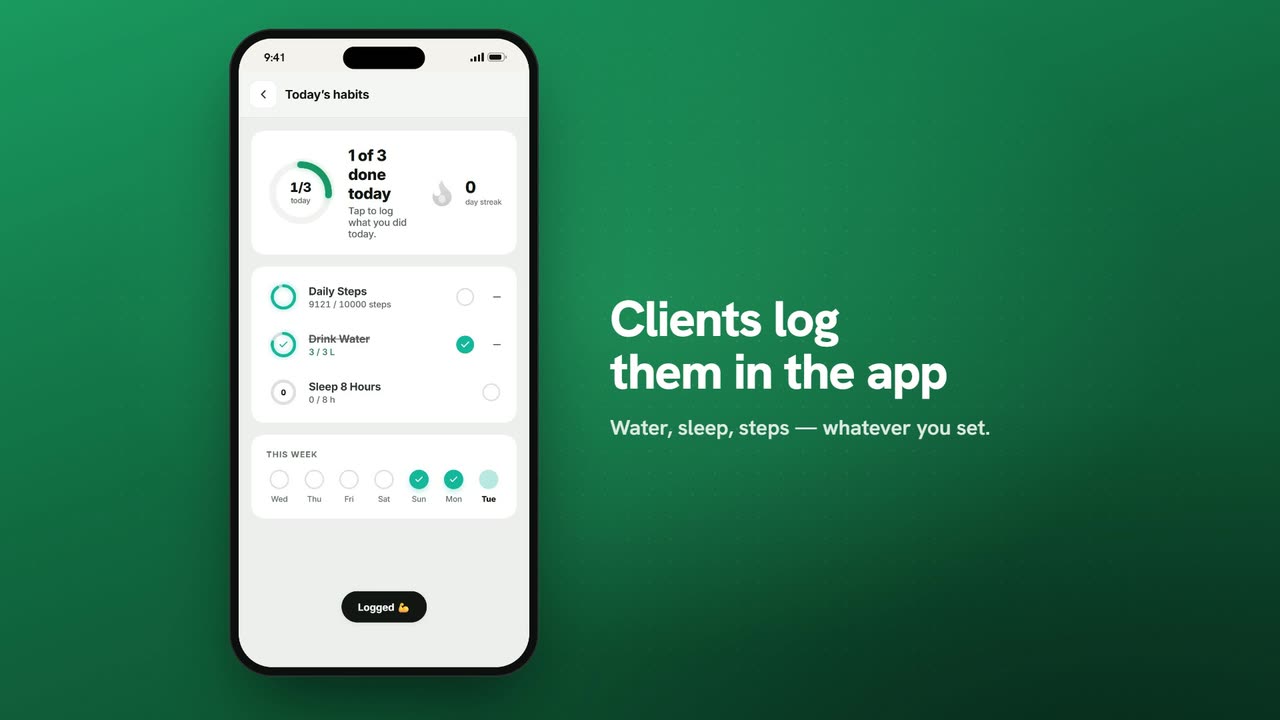
Create habits like steps, water or sleep with a target, add them to a program on the days they apply, and see how clients log them in the app.
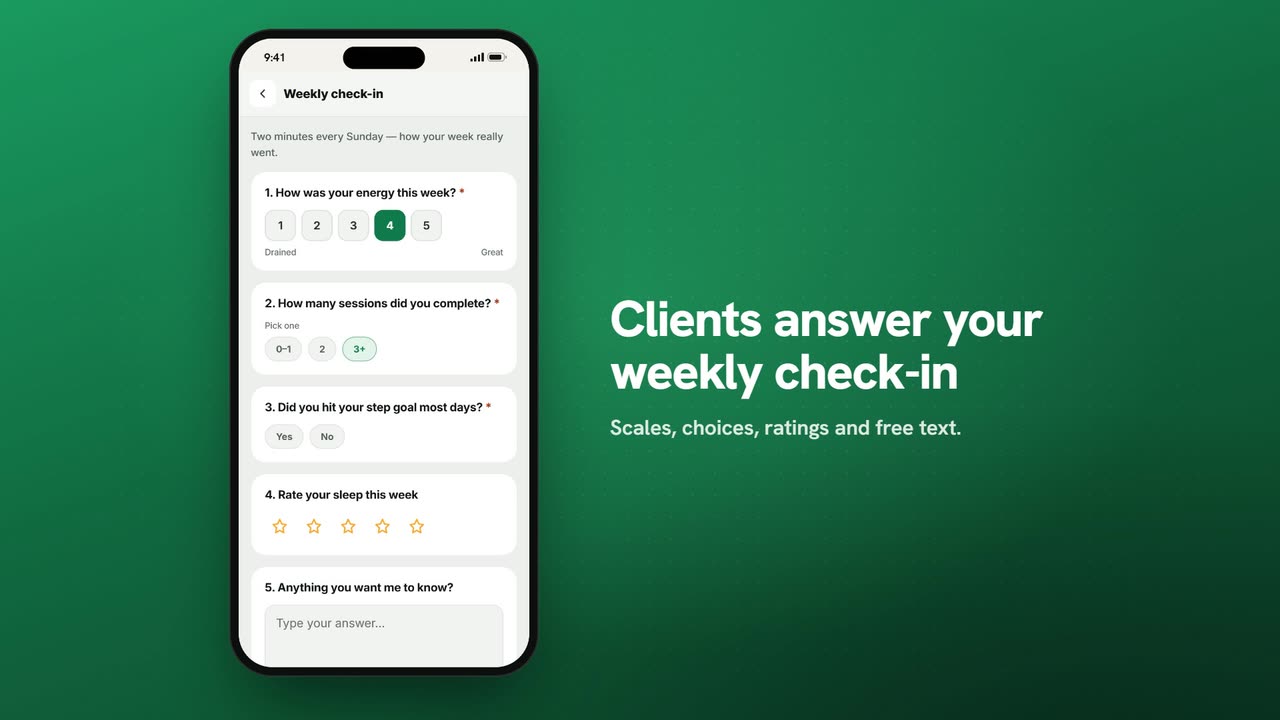
Build a check-in form with scales, choices and free text, send it to clients or groups, and read the results by question or by client.
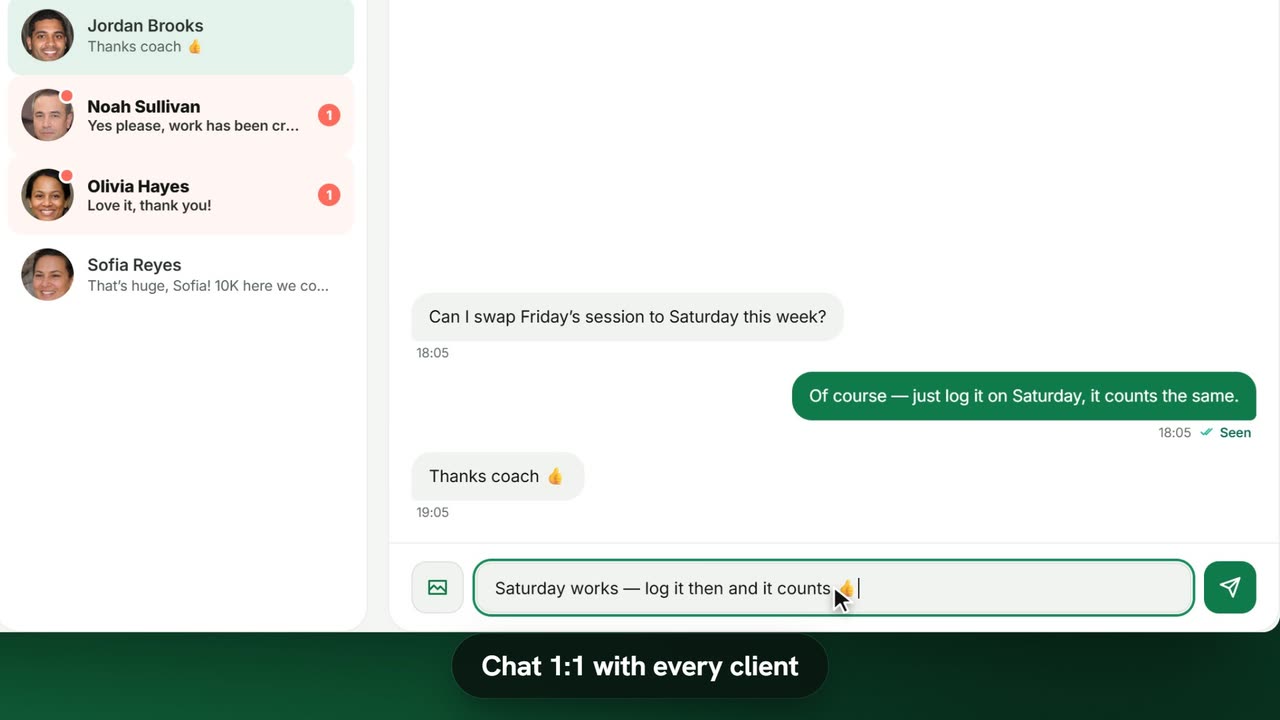
Chat 1:1 with photos, video and voice notes, post to group chats, and send a broadcast to all your clients or to one group.
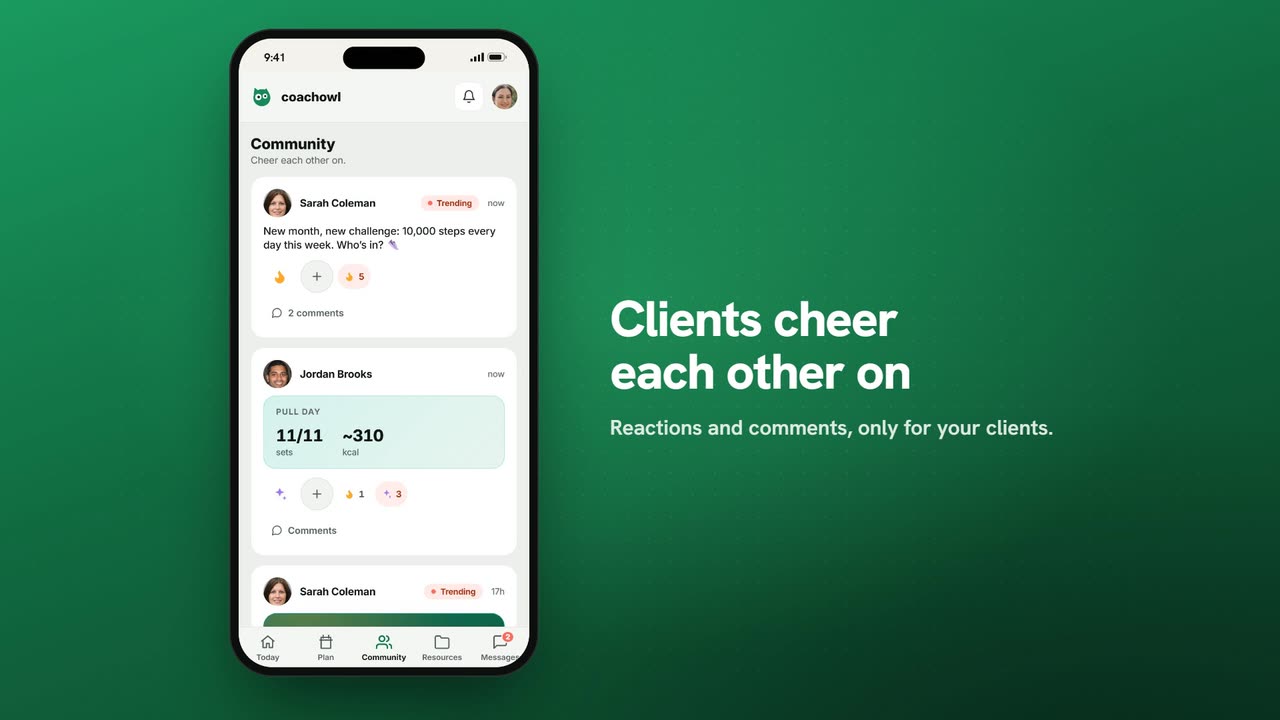
Post updates, photos and polls to a private wall only your clients can see, and let them share wins and cheer each other on.
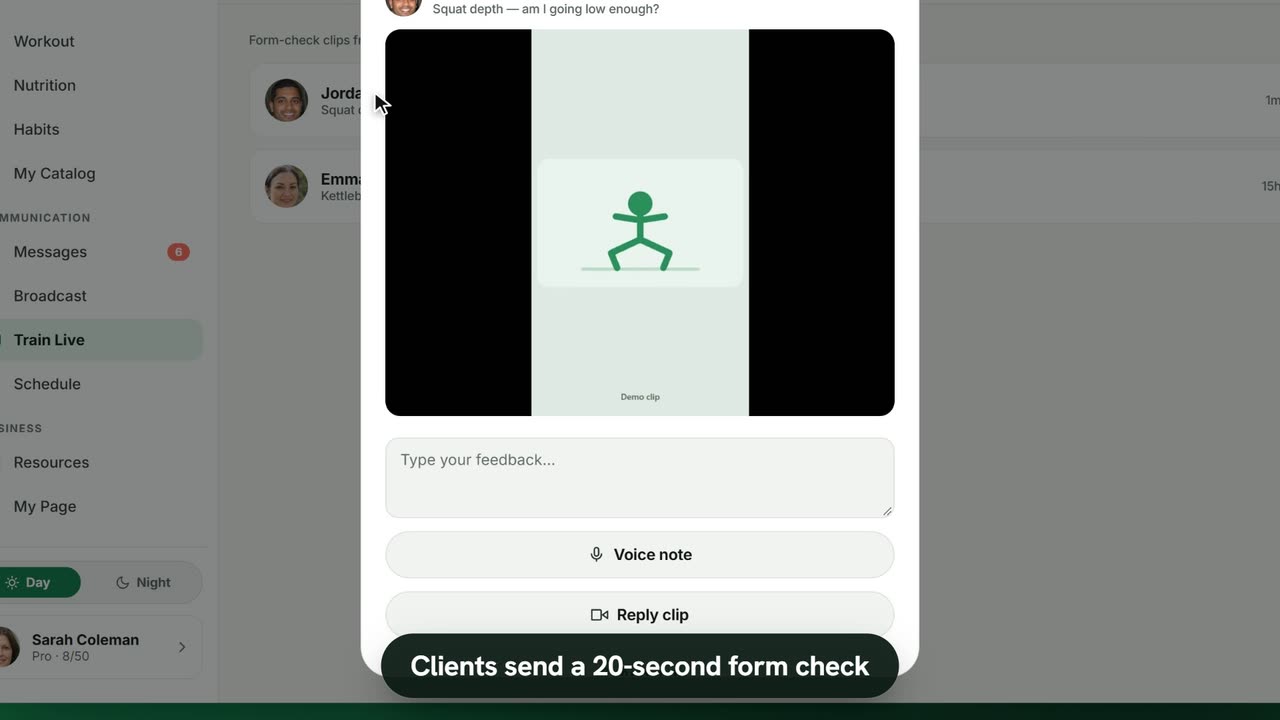
Clients record a 20-second clip of a lift; you reply with text, a voice note, a reply clip or an annotated frame. Clips delete themselves.
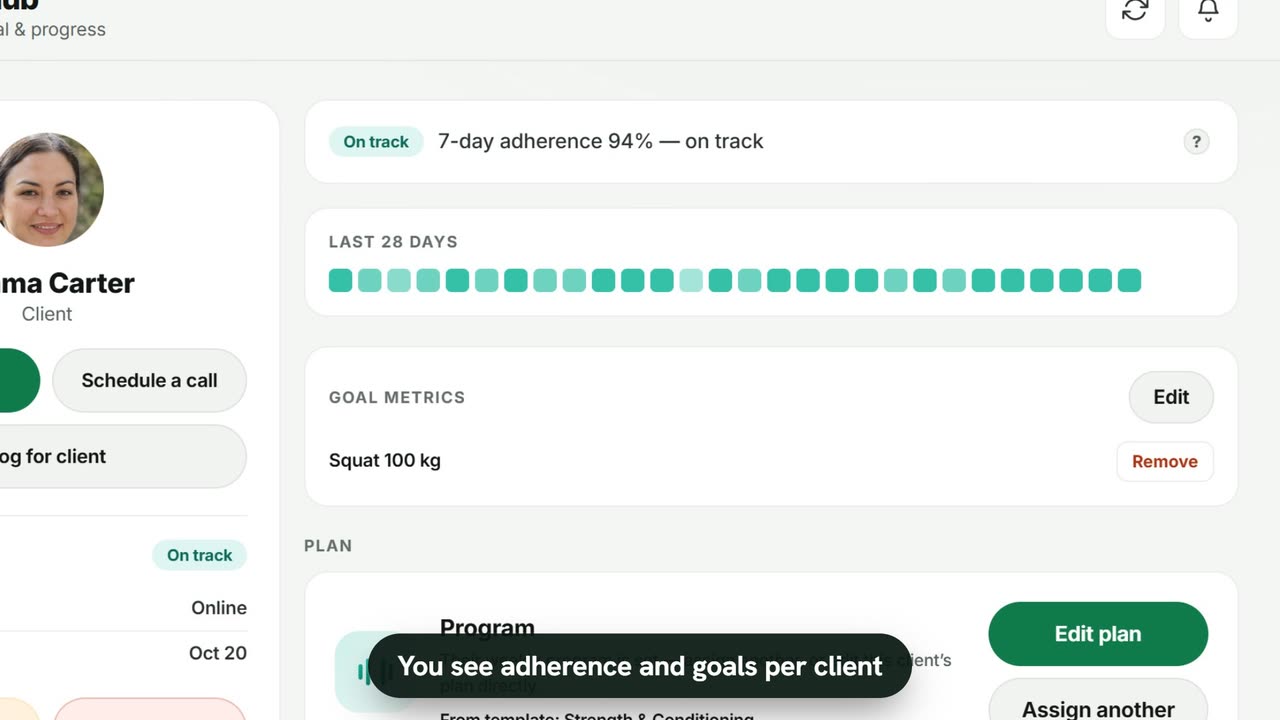
See each client’s adherence, 28-day pattern, goals and every logged session — and what clients see on their own progress screen.
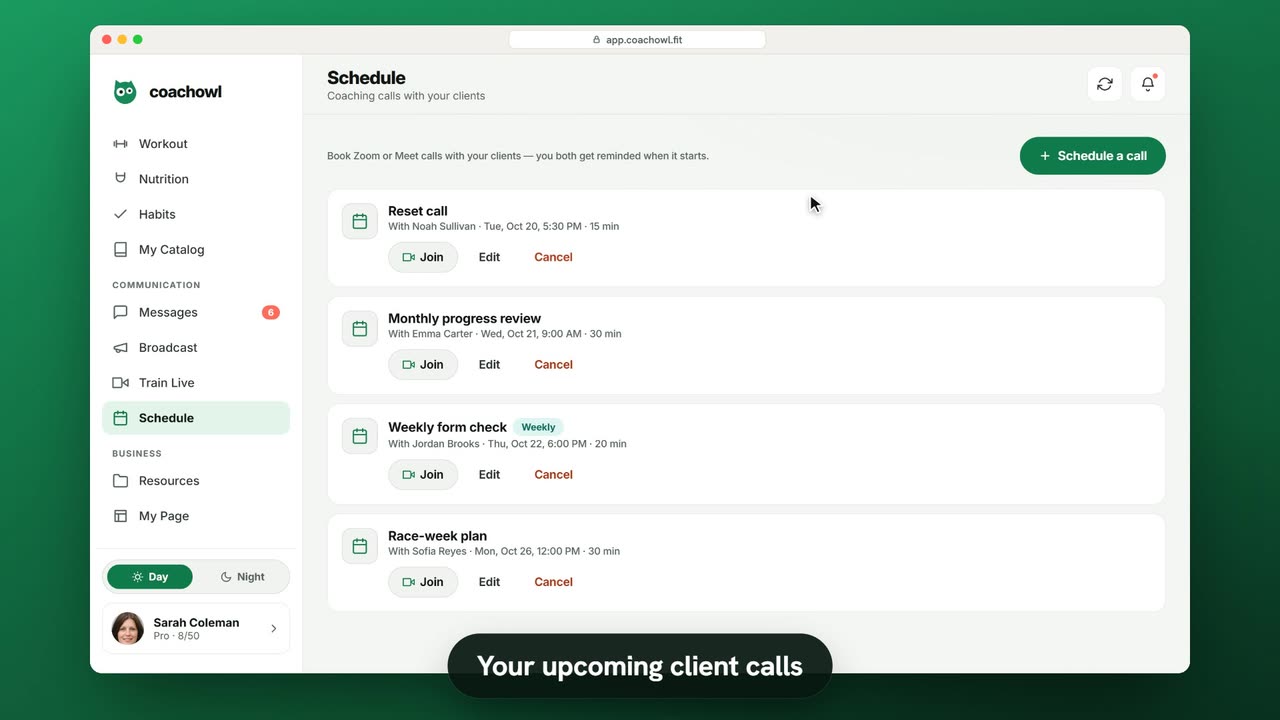
Book a one-off or weekly video call with a client, add your own meeting link, and you and your client both get reminded when it starts.
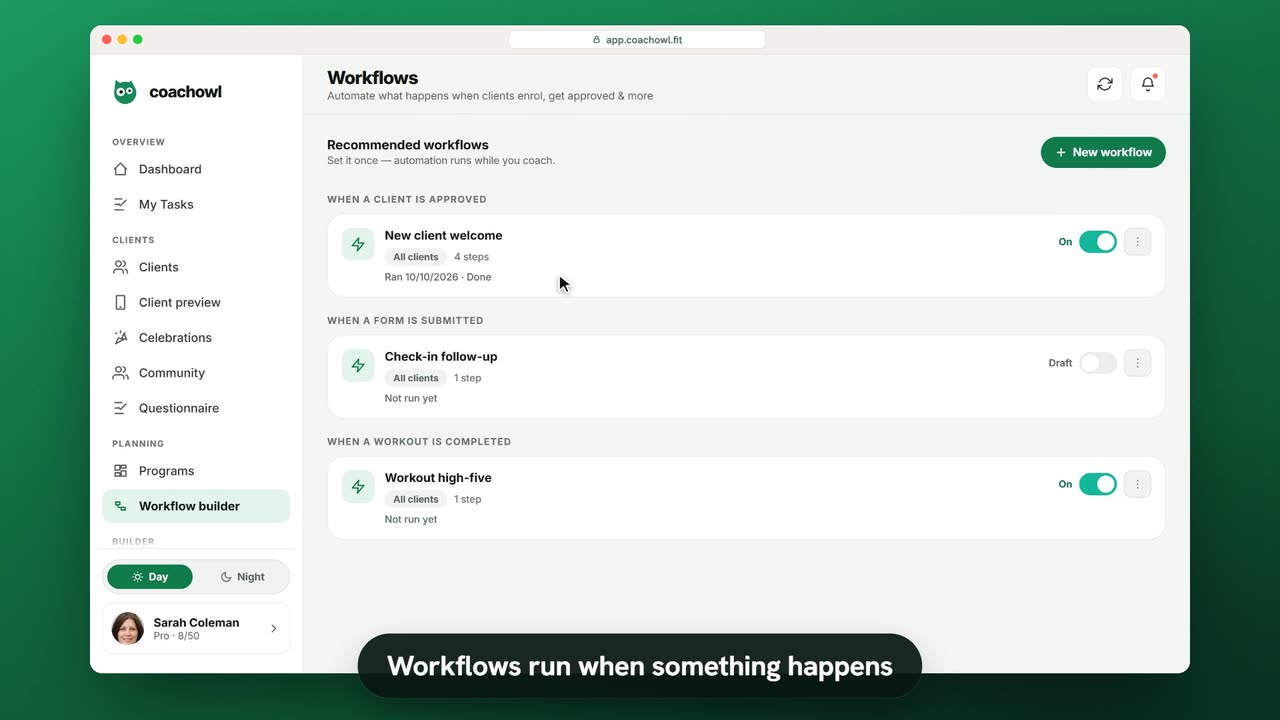
Pick a trigger such as “When a client is approved”, stack steps like a welcome message, a program and a check-in, and let it run.
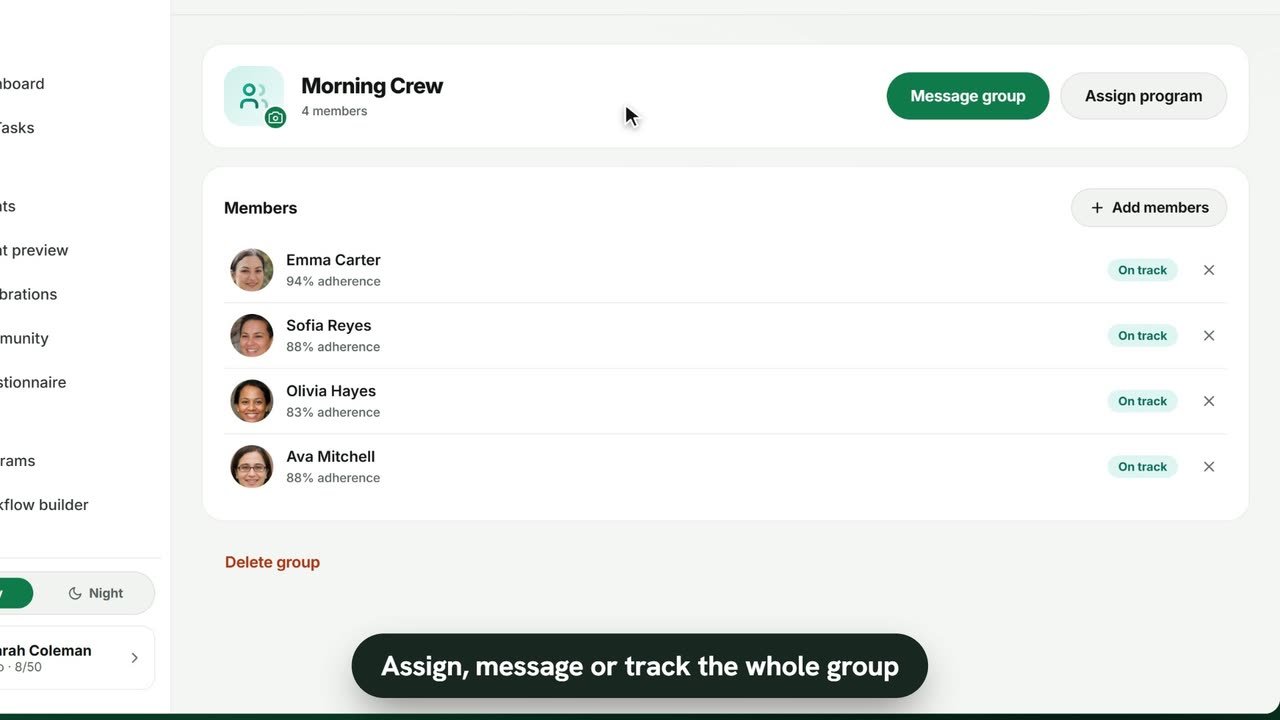
Create a group, add members, assign one program to everyone and post to the group chat — while each client keeps their own plan and chat.
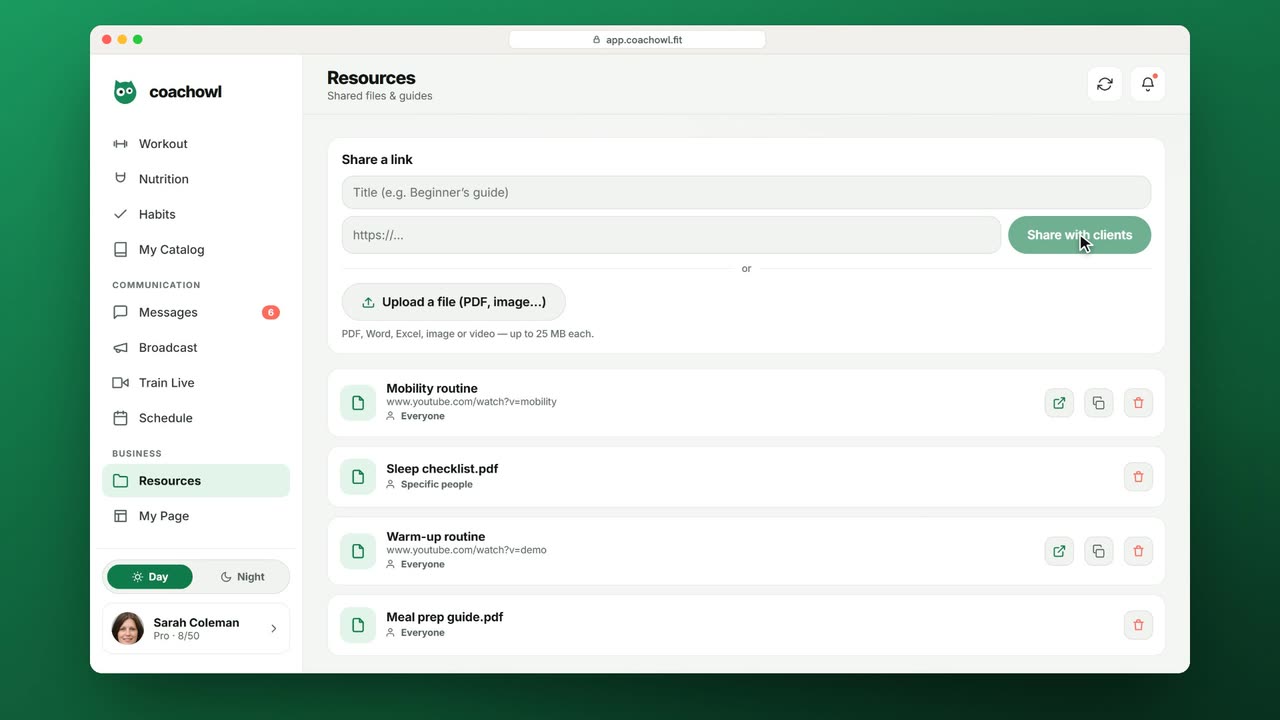
Share a link or upload a PDF, document, image or video, and choose whether everyone or only specific clients and groups can see it.
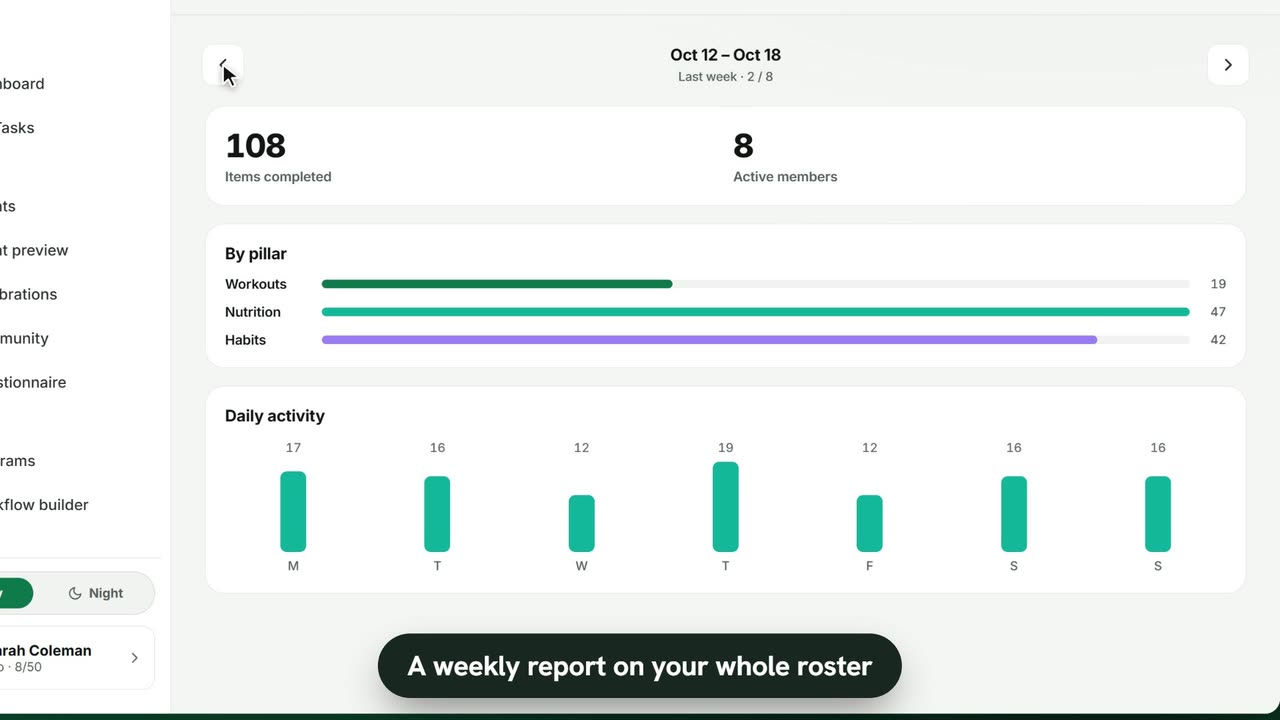
See what your whole roster completed each week, by pillar and by day, and spot who is on track and who needs a little more attention.